AGI High-Speed USB Flash Drives
Fashionable Texture, Genuine Leather Accessories
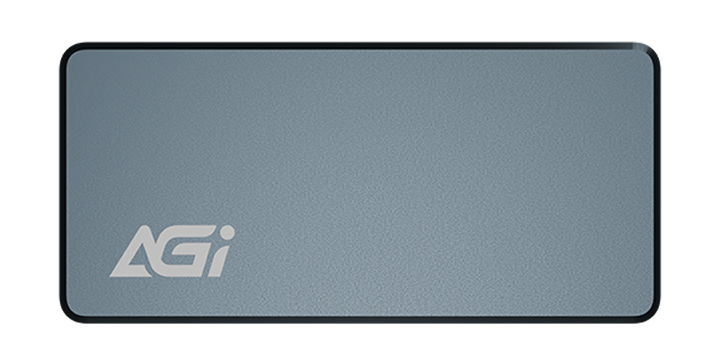
UE238 High Speed Flash Drive
KEY FEATURES
- Genuine Cowhide Leather Exterior
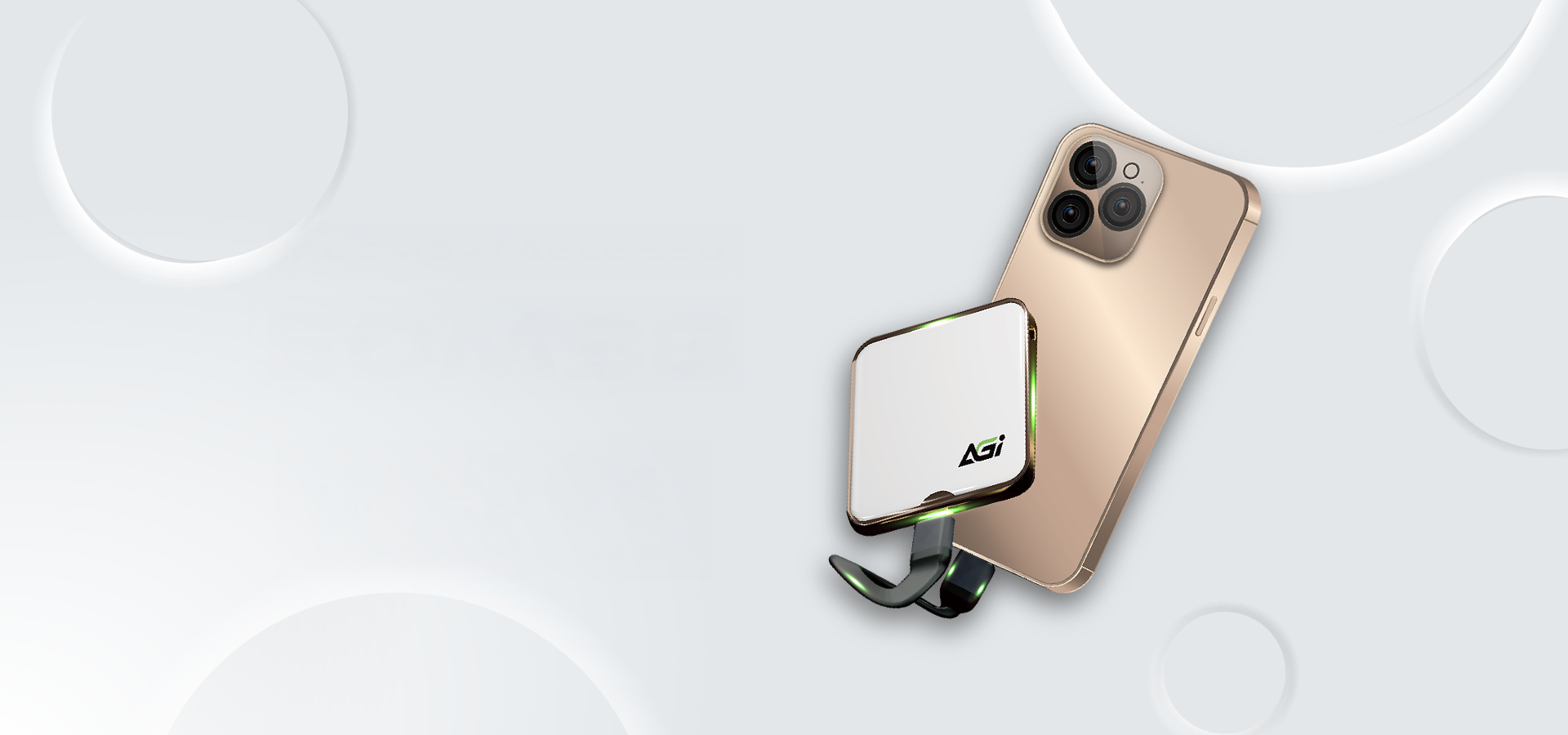
- Convenient Keychain Design
- Read/Write Speeds Approaching SSD Levels

SLC cache
SLC cache
SLC cache
Elegant Design
- The fashionable cowhide design allows you to wear it to any occasion with confidence.
Ultra-Fast Transfer, Efficiency on the Go
- Equipped with read/write speeds that rival an SSD, large file transfers are completed in an instant. Combined with a convenient keychain design, it transforms powerful performance into a stylish accessory, enabling high-efficiency work anytime, anywhere.
Metallic Texture, Crafted for Business
- The UE138B features a zinc alloy swivel design that is both lightweight and durable. Effortlessly carry your important documents and presentations while showcasing your professionalism and refined taste
Specifications
Capacity
256GB / 512GB / 1TB
Interface
USB 3.2
Read/Write(Max)
450MB/s
Texture
Zinc Alloy
System requirements
Windows XP, Vista, 7, 8, 10, Mac OS X 10.10 and Linux Fedora version 15 or later
Dimensions (L x W x H)
88 x 31 x 14 mm
Weight
25.7g

Product FAQ
Please delete all partitions and disconnect all other drives, leaving only the target SSD connected. Enter BIOS, restore default settings, enable AHCI and UEFI modes, save the configuration, and reinstall the OS.
A1-1: Please check whether the data cable, power cable, and slot are properly connected.
A1-2: Right-click the Start menu > go to “Disk Management” > locate the SSD > right-click > select “New Simple Volume” to initialize the drive.
This is due to a Windows licensing restriction. If your Windows 10 was obtained through an upgrade, the license is tied to the original hardware. Installing the SSD on another machine may trigger a blue screen or fail to activate. A clean installation of an authenticated Windows 10 will not encounter this issue.
Yes, but the data transfer speed will be limited by the motherboard and will not reach SATA 6 Gb/s performance.