TF338 microSD Express
Born for Switch. Built for Speed.
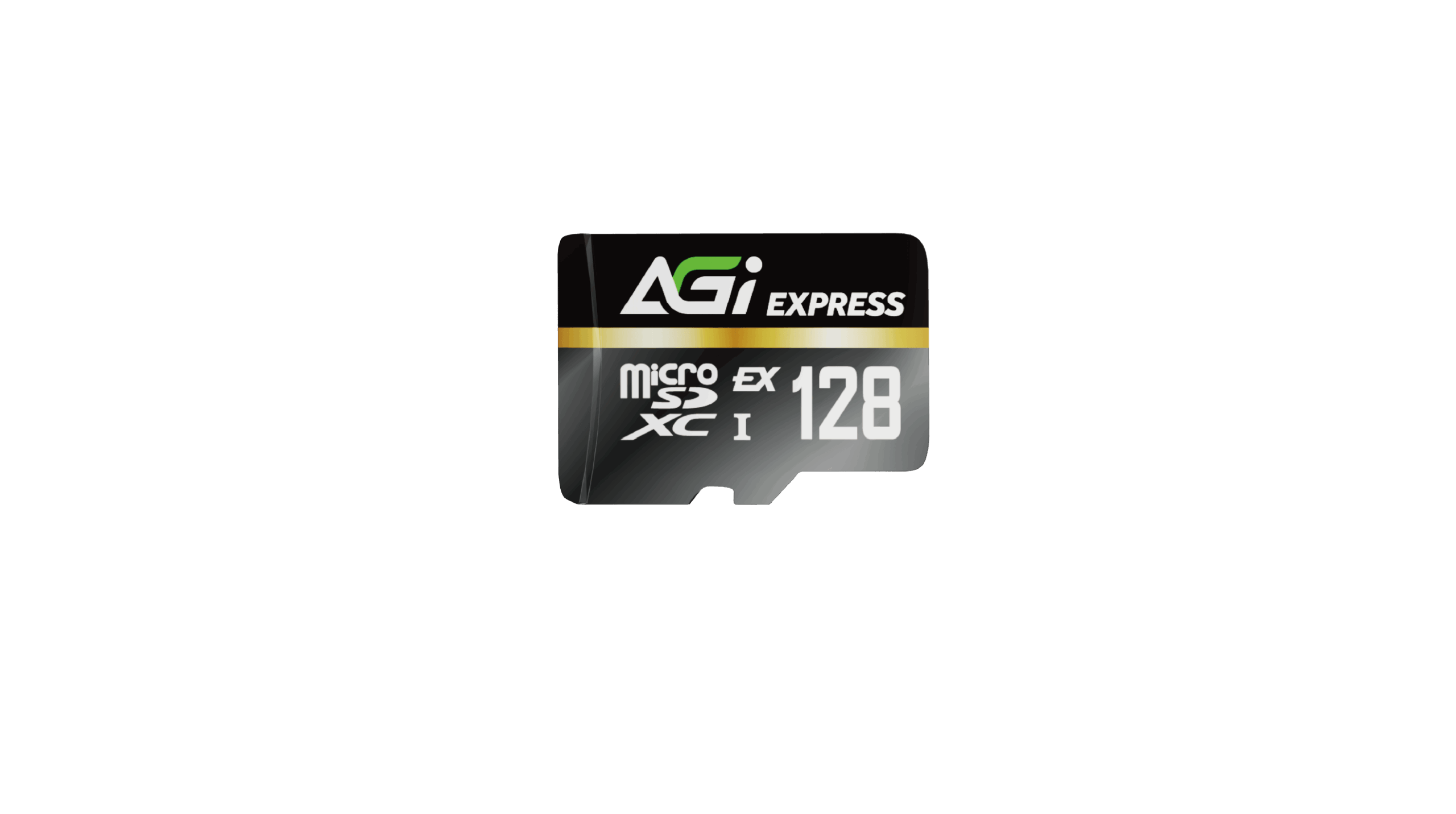
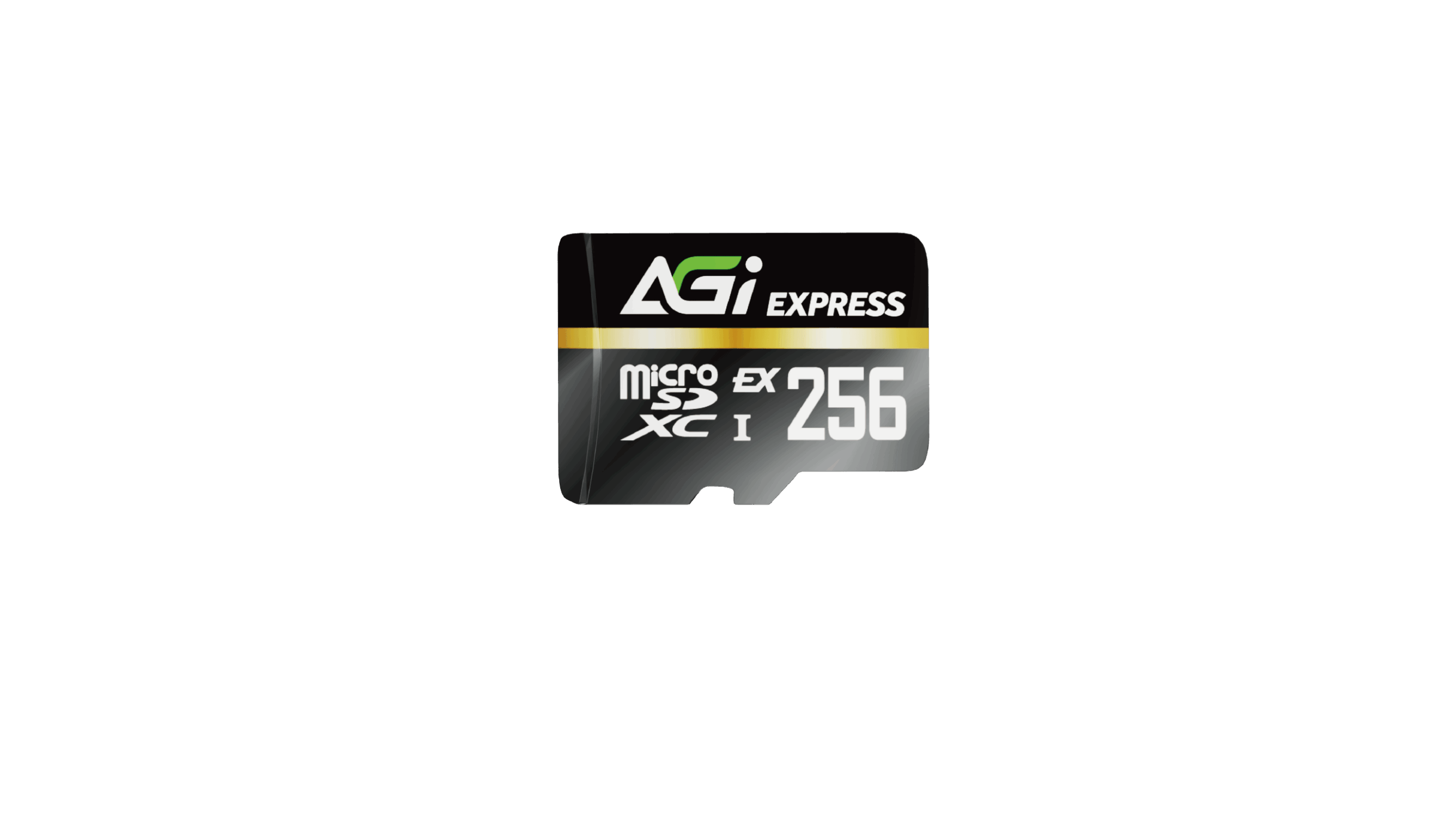
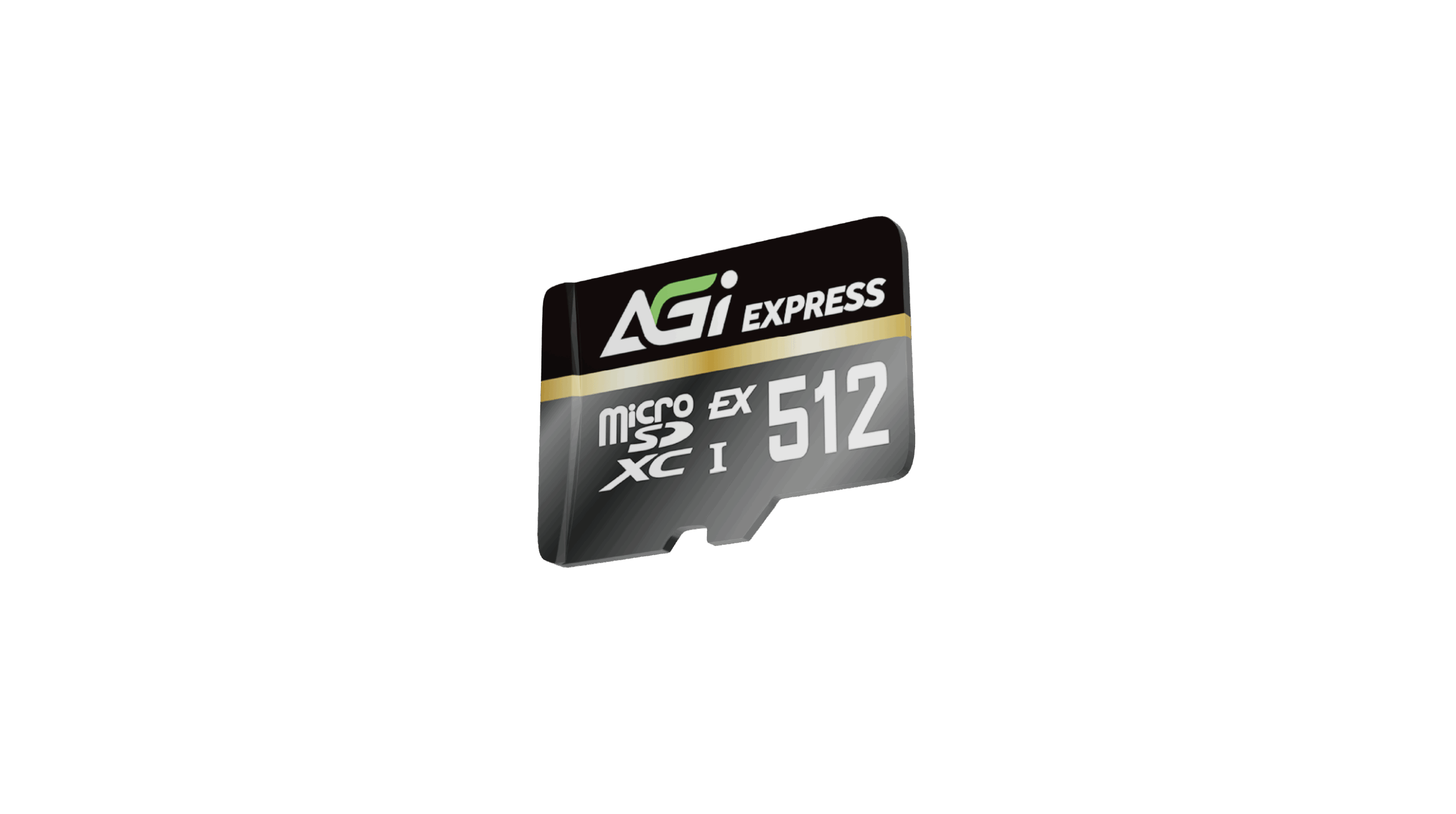
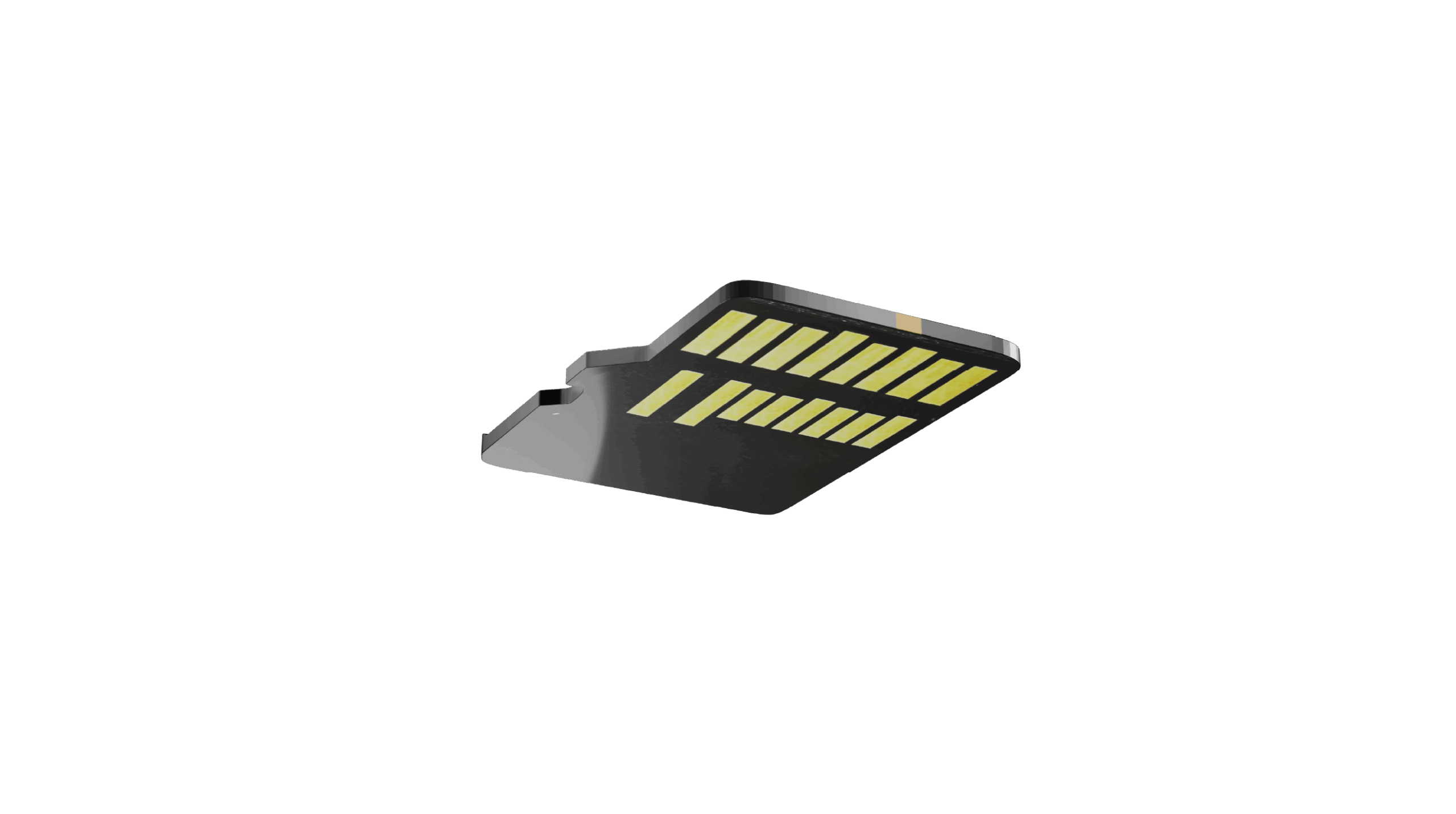
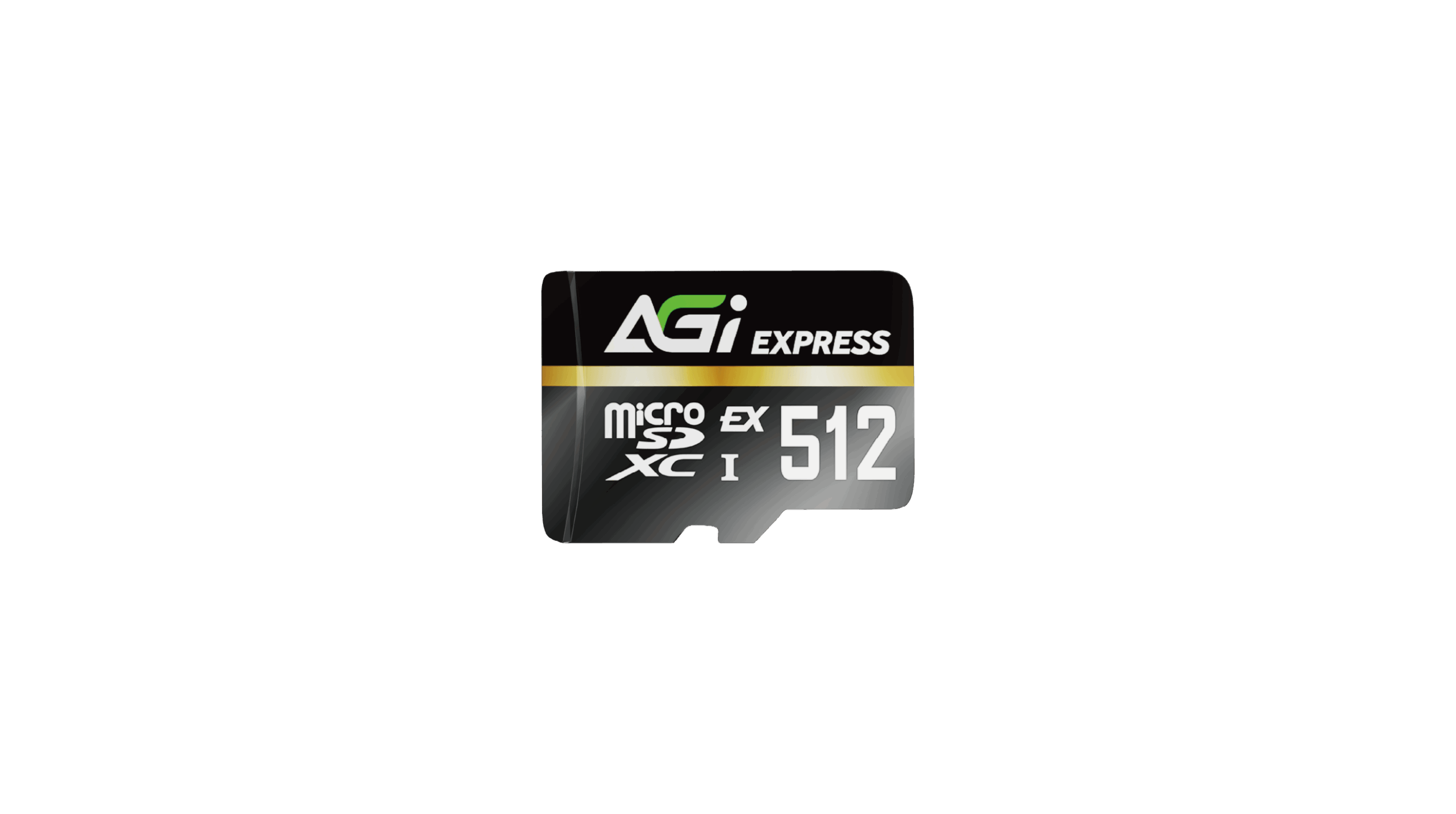
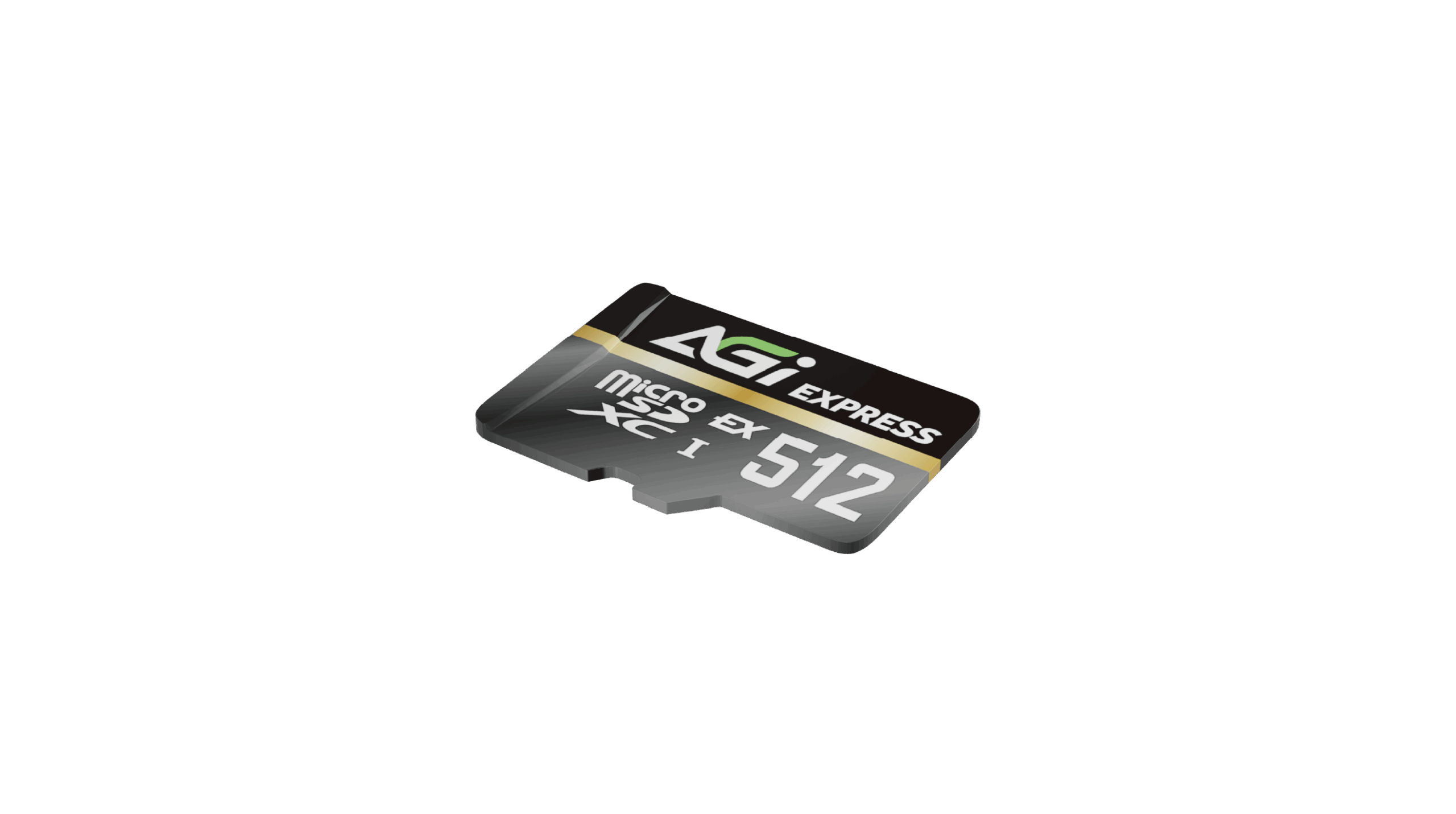
TF338 microSD Express
KEY FEATURES
- Ready for Nintendo Switch™ 2
- Up to 800/700 MB/s high-speed performance
- Backward compatible with all UHS-I devices
- Tested for durability to perform reliably in demanding environments
- CE, FCC, and BSMI compliant for long-term reliability

For SWITCH 2

Drop Resistant

Water Resistant

TF338 microSD Express
- Designed for gamers and mobile creators, the TF338 combines high-speed transmission with broad compatibility to meet the dual demands of high-efficiency work and immersive entertainment.
- Whether it's instant map rendering, rapid asset loading, or launching massive titles on your console, it delivers a consistently stable, fast, and seamless experience.
Built for Next-Gen Consoles
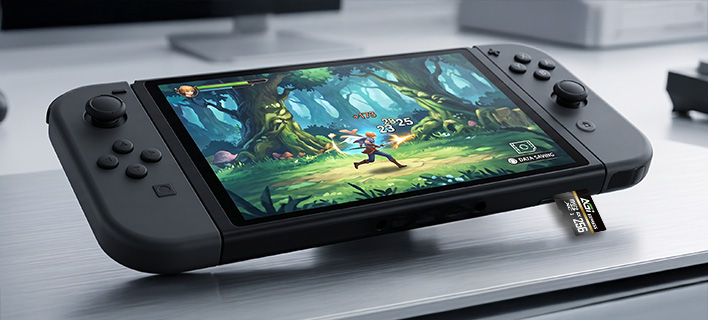
- Tailor-made for the microSD Express expansion interface used by Nintendo Switch™ 2, the TF338 provides full specification compatibility and high-speed transmission support.
- When paired with the next-generation console, it unlocks stable, fluid, and ultimate gaming storage performance.
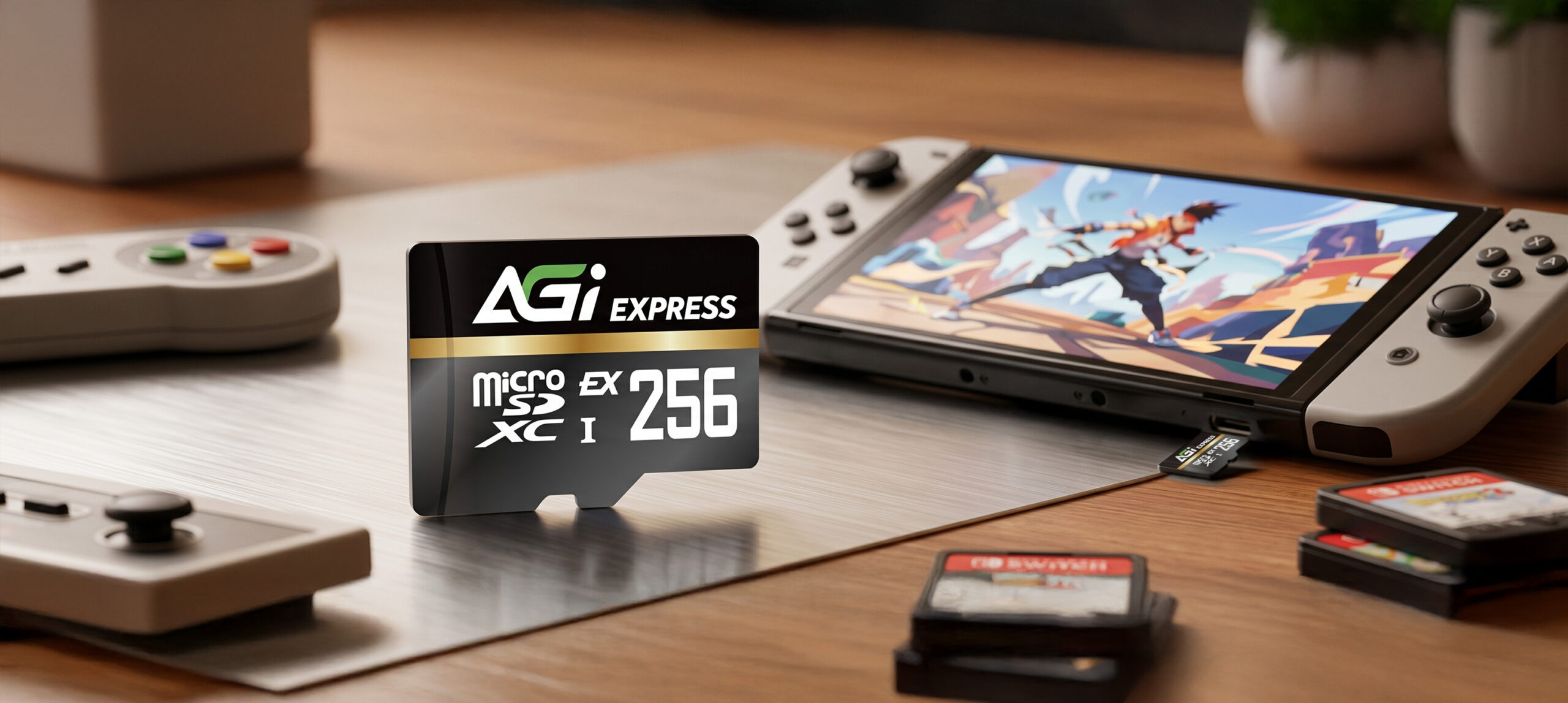
Born for Switch 2, with Full Support for UHS-I Devices
- Faster loading, smoother gameplay—one card for all your devices, empowering you to conquer every challenge with ease.
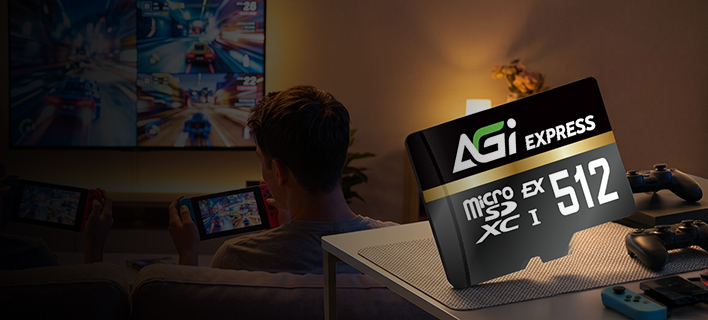
Blazing-Fast Speeds: Up to 800/700 MB/s.
- Utilizing PCIe Gen3 x1 and NVMe architecture, delivering high-speed performance on par with an SSD.
Specifications
Capacity
128GB / 256GB / 512GB
Standard
SD 7.1
Read/Write speed
up to 800/700 MB/s
Form Factor
PCIe Gen3 x1
Speed Class
UHS-I U3/V30/C10
Working Voltage
2.7V~3.6V
Dimensions
1.5 x 1.1 x 0.1 cm
Weight
0.25g
Certification
CE, FCC, BSMI
Warranty
5 years limited

Product FAQ
Please check the write-protection switch on the side of the SD adapter. If it is set to “Lock,” simply slide it up to unlock it.
Please ensure the memory card is firmly inserted into the reader. Try plugging the card reader into a different USB port on your computer. If the issue persists, test the reader on another computer to see if it functions correctly.
Transfer speeds depend on your device’s hardware, including the card reader and USB port specifications. Additionally, the size and quantity of the files affect the speed; transferring a large number of small files is generally slower and more inconsistent than transferring a single large file.
Please try formatting using a different reader or device. If the issue persists, use the SD Formatter tool available at:
https://www.sdcard.org/downloads/formatter_4/
Speed classes (such as Class 10, U3, or V30) indicate the minimum sustained write speed of the memory card, which is crucial for video recording. For a complete breakdown of all standards, please refer to the official SD Association website: https://www.sdcard.org/developers/sd-standard-overview/speed-class/