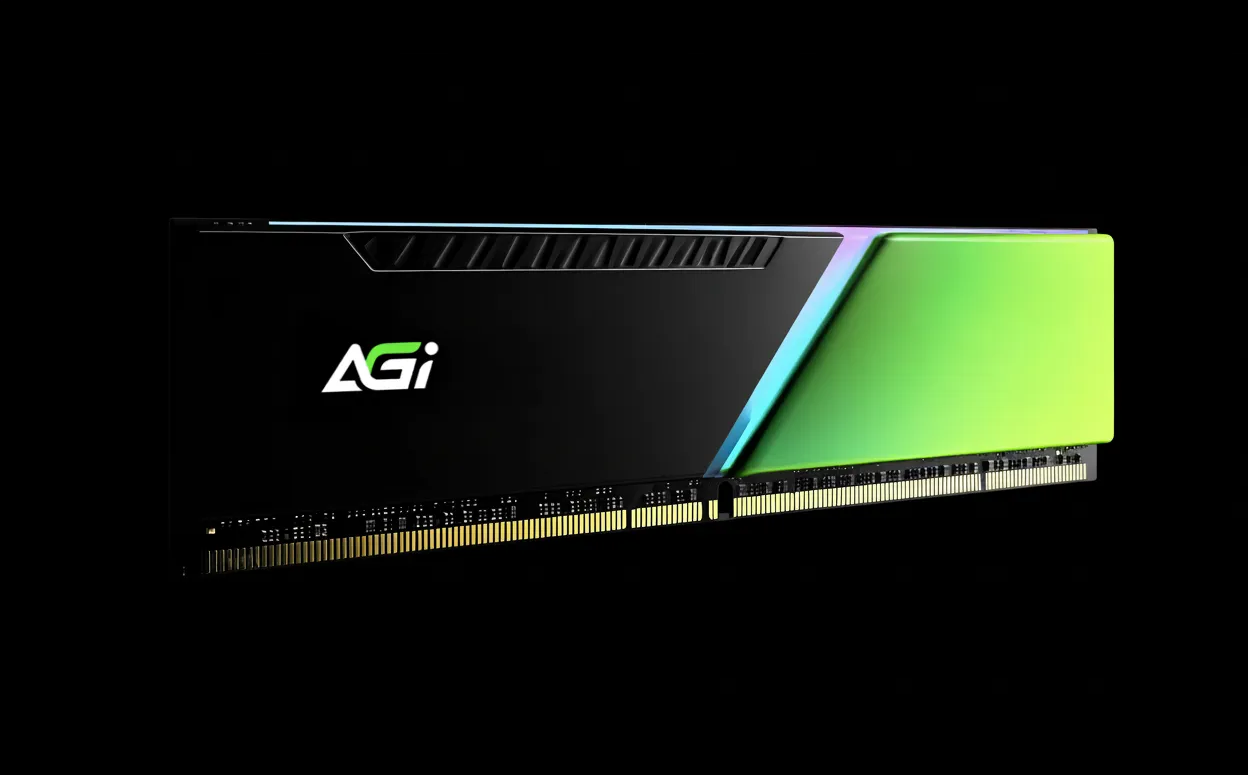
Supreme TF138 microSD Card
Wide Compatibility. Reliable Performance.
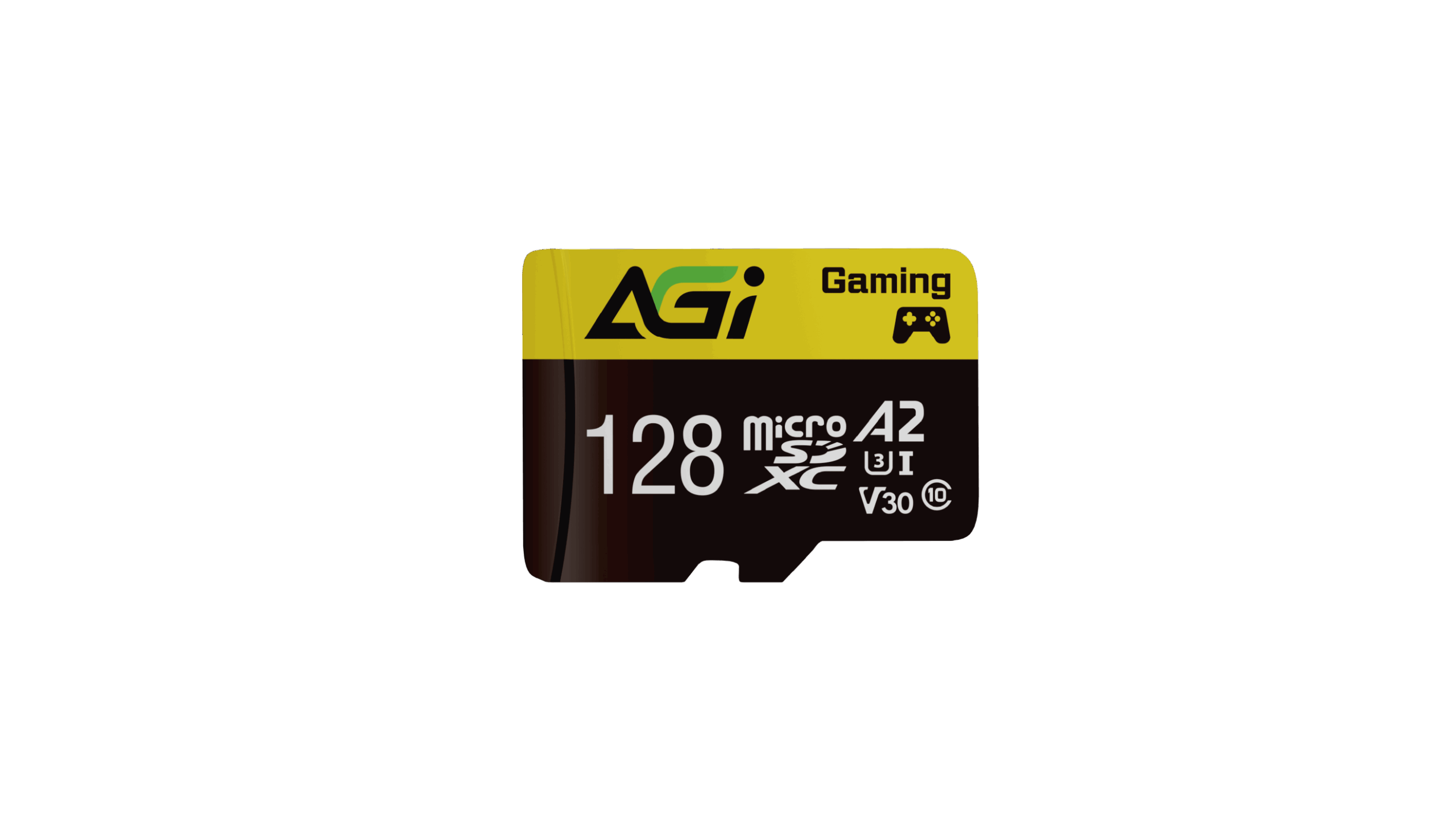
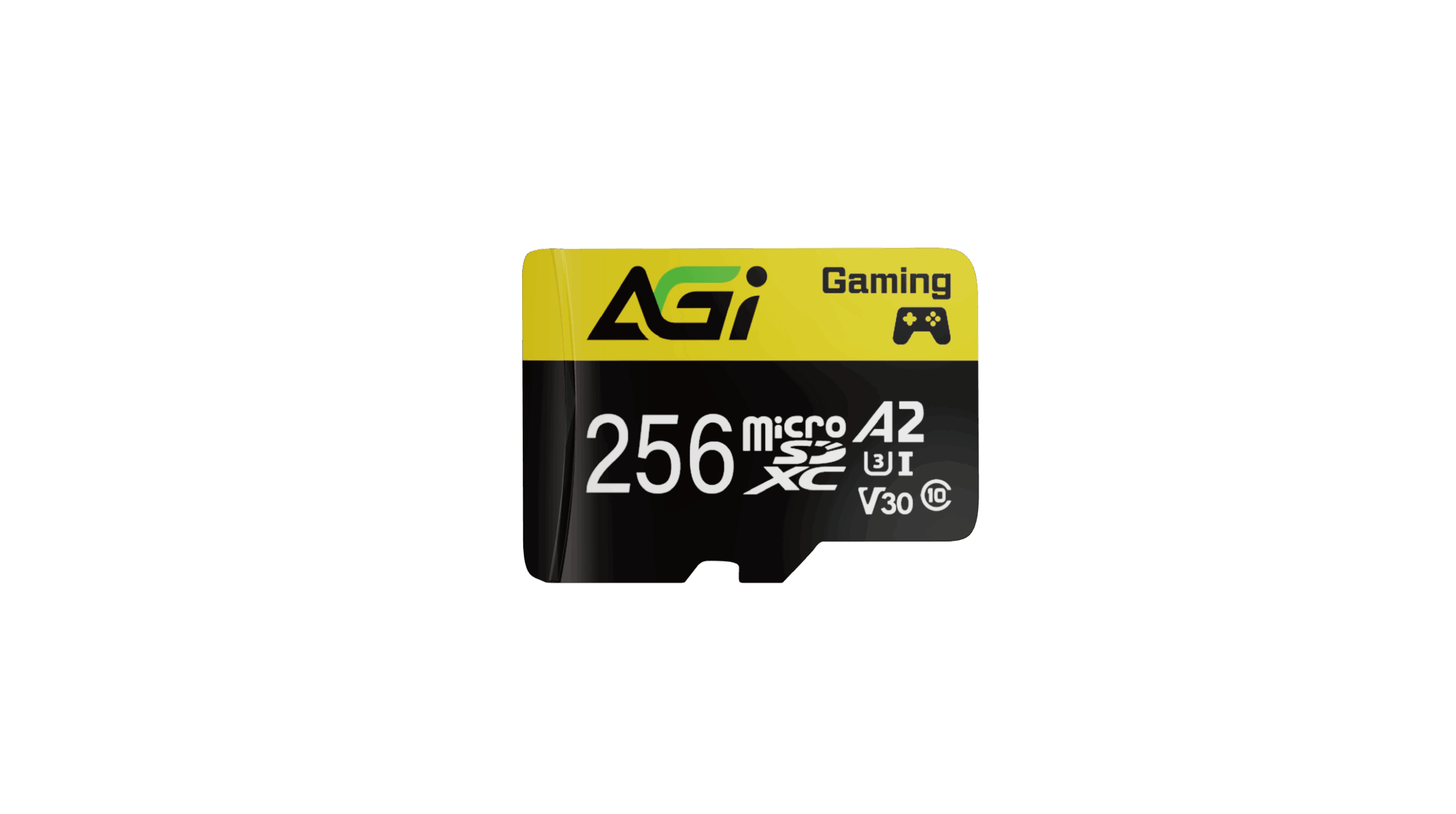
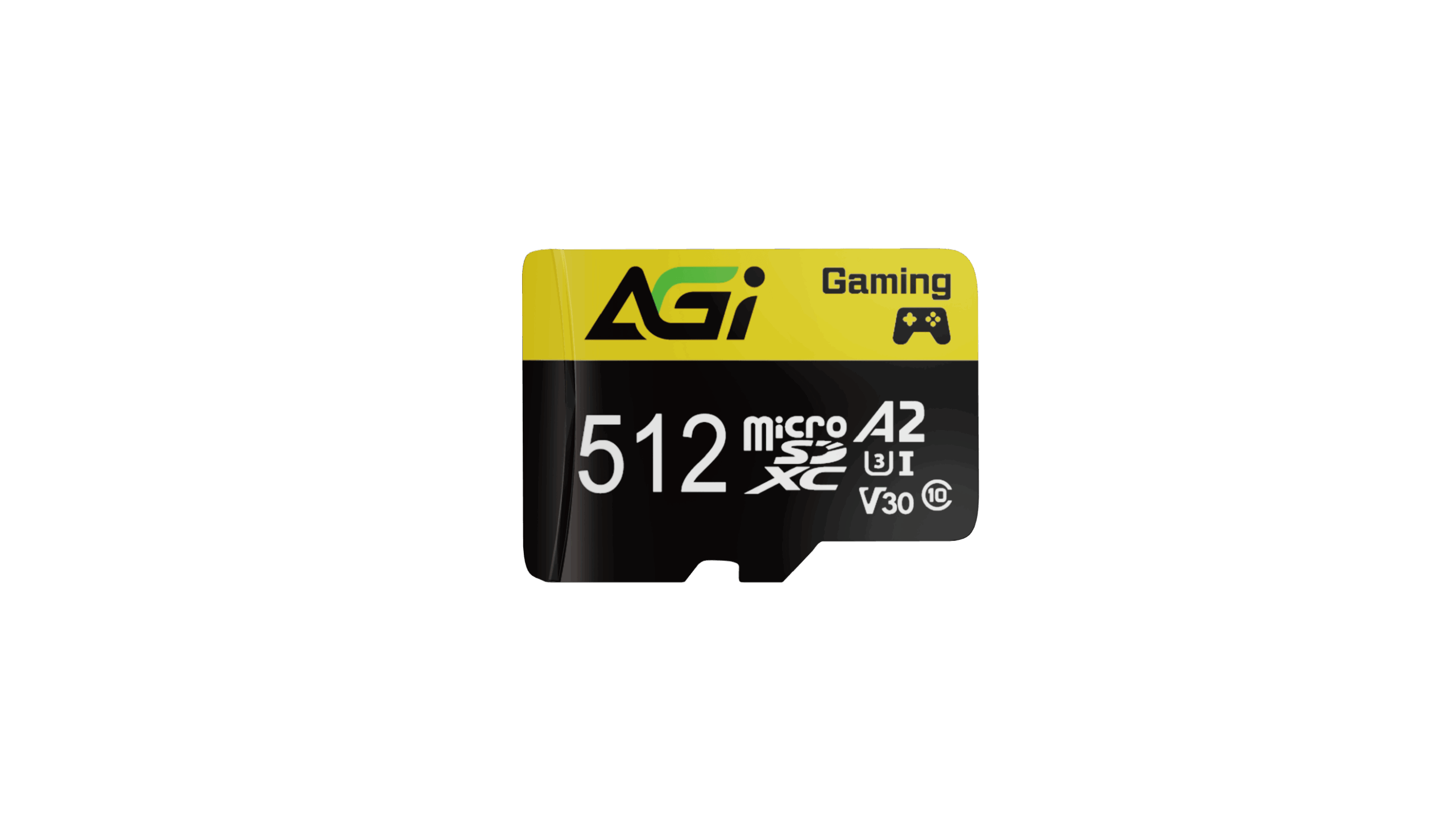
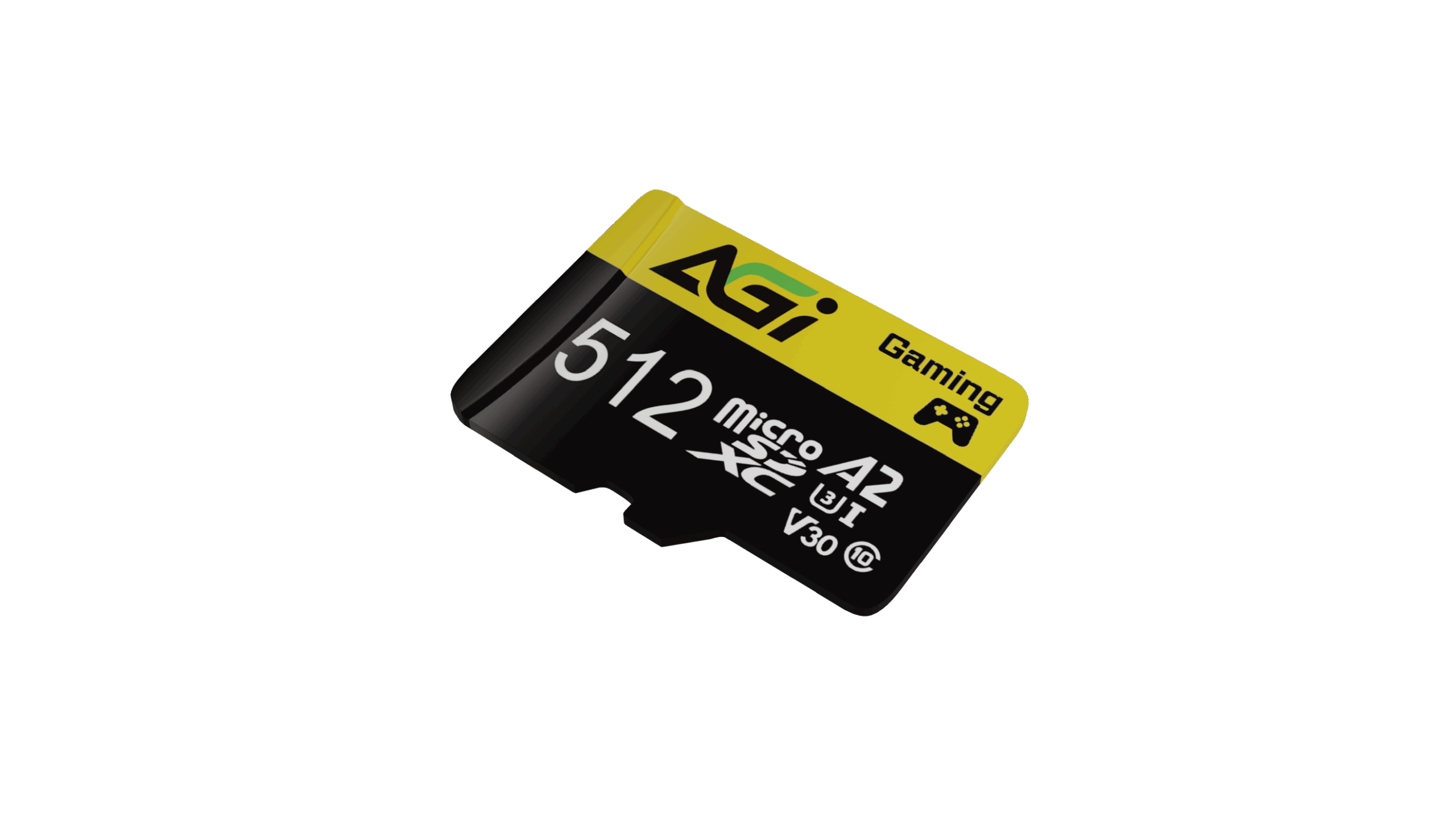
Supreme TF138 microSD Card
KEY FEATURES
- V30 Speed Class supports 4K UHD video recording
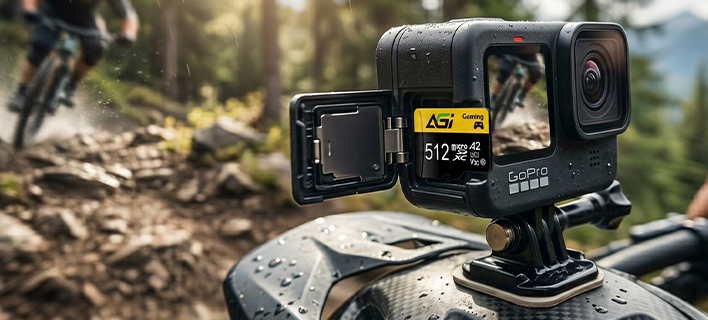
- Compatible with smartphones, tablets, cameras, camcorders, and various other devices
- A2-rated for faster app performance and compatibility

4K UHD

Smart Phone

Gaming

Engineered for Professionals: Smoothly Capture Every 4K Moment
- A2 classification is the highest standard for app performance, ensuring apps run with seamless speed and fluidity.
Versatile Applications
- Easily compatible with a wide range of devices, including smartphones, Nintendo Switch, dash cams, action cameras, drones, and more.
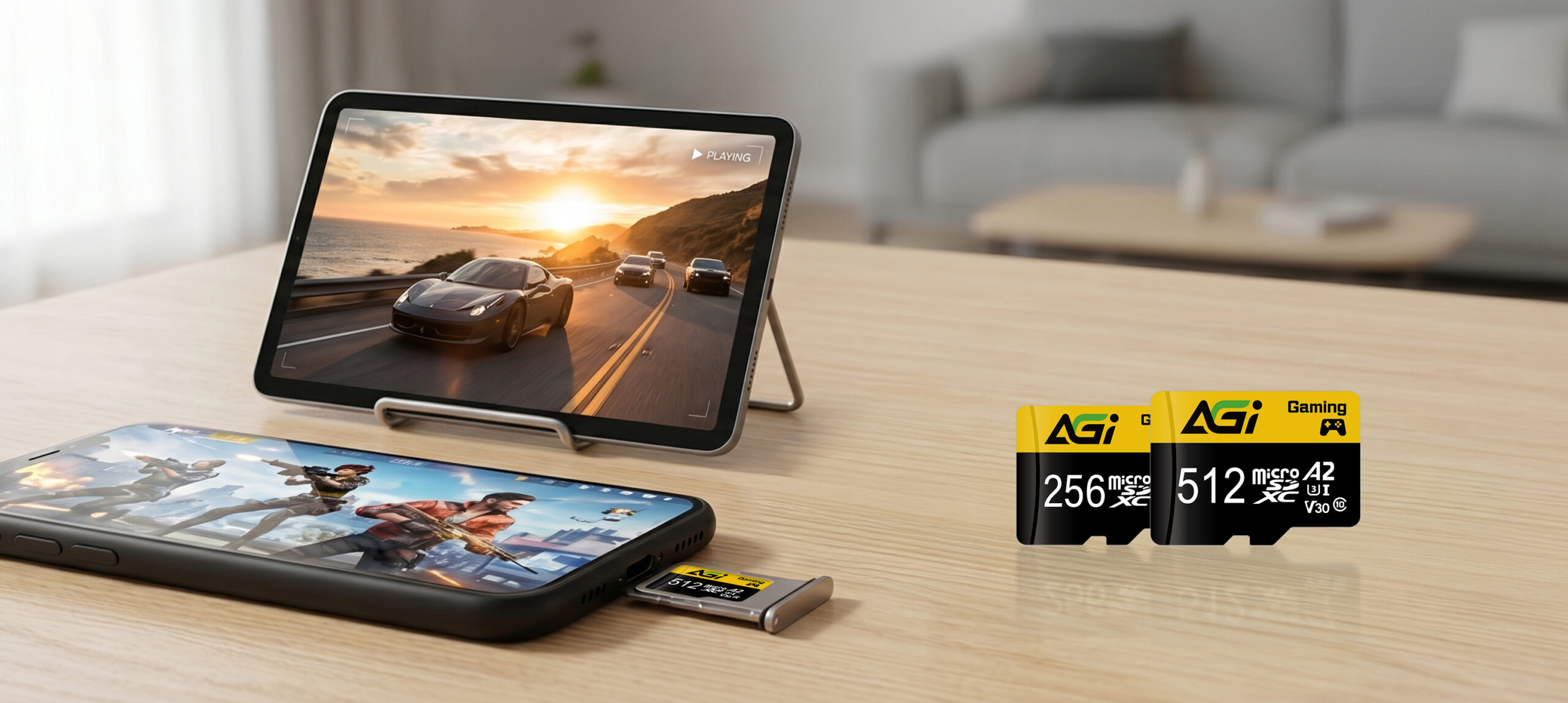
V30 speed class support 4K UHD recording.
Specifications
Capacity
128GB / 256GB / 512GB
Standard
SD 6.1
Speed Class
UHS-I Cass 10 / V30 / A2
Dimensions (L x W x H)
15 x 11 x 1mm
Weight
0.25g
Read/Write(Max)*
100/70 MB/s * Performance may base on SSD capacity, hardware test platform, test software, operating system and other variables
Certifications
CE, FCC, BSMI, RoHS
Warranty
5 years limited

Product FAQ
Please check the write-protection switch on the side of the SD adapter. If it is set to “Lock,” simply slide it up to unlock it.
Please ensure the memory card is firmly inserted into the reader. Try plugging the card reader into a different USB port on your computer. If the issue persists, test the reader on another computer to see if it functions correctly.
Transfer speeds depend on your device’s hardware, including the card reader and USB port specifications. Additionally, the size and quantity of the files affect the speed; transferring a large number of small files is generally slower and more inconsistent than transferring a single large file.
Please try formatting using a different reader or device. If the issue persists, use the SD Formatter tool available at:
https://www.sdcard.org/downloads/formatter_4/
Speed classes (such as Class 10, U3, or V30) indicate the minimum sustained write speed of the memory card, which is crucial for video recording. For a complete breakdown of all standards, please refer to the official SD Association website: https://www.sdcard.org/developers/sd-standard-overview/speed-class/