
EM158 Magnetic Portable SSD
Lightweight Design. Full-Throttle Performance.
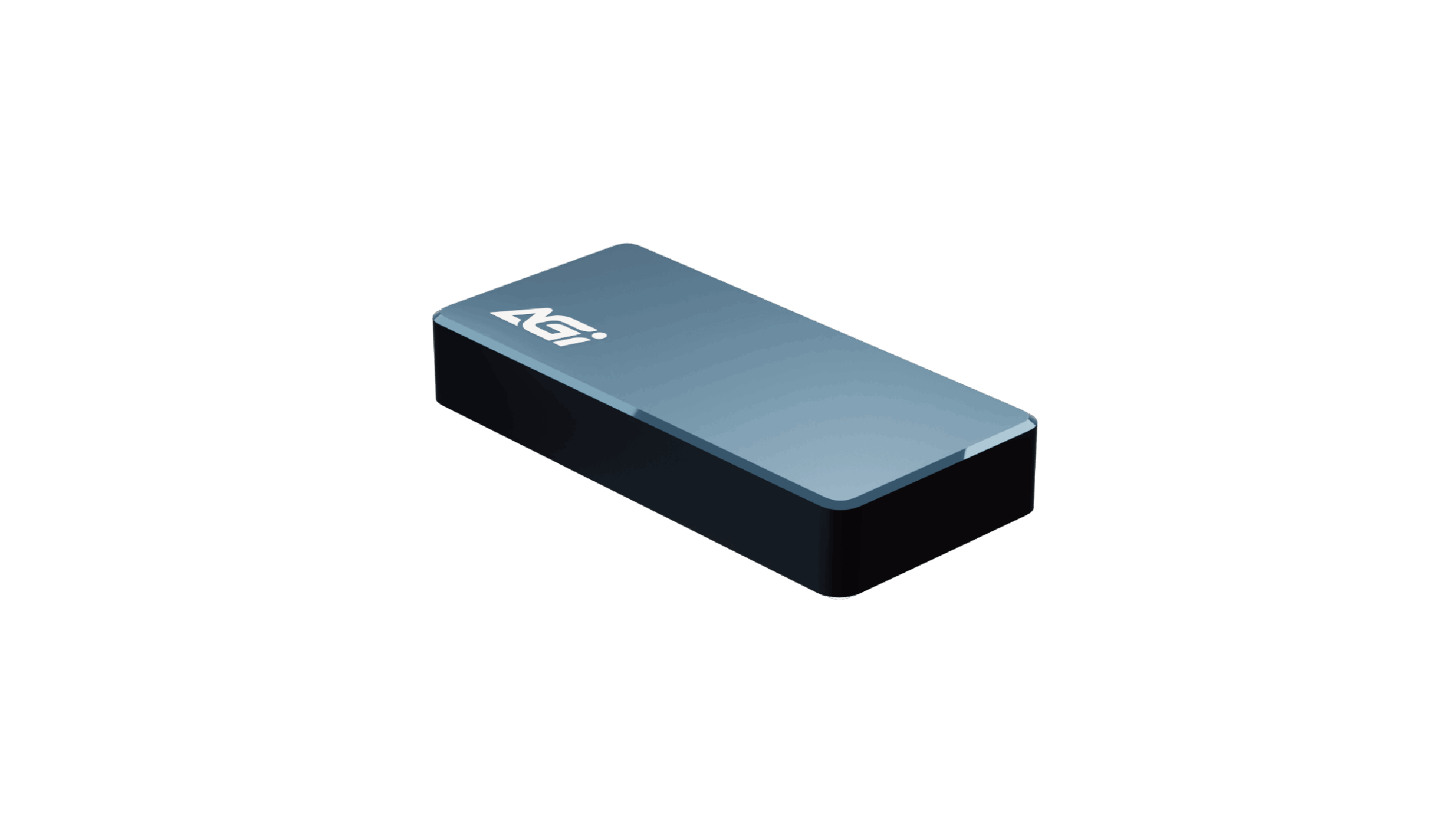
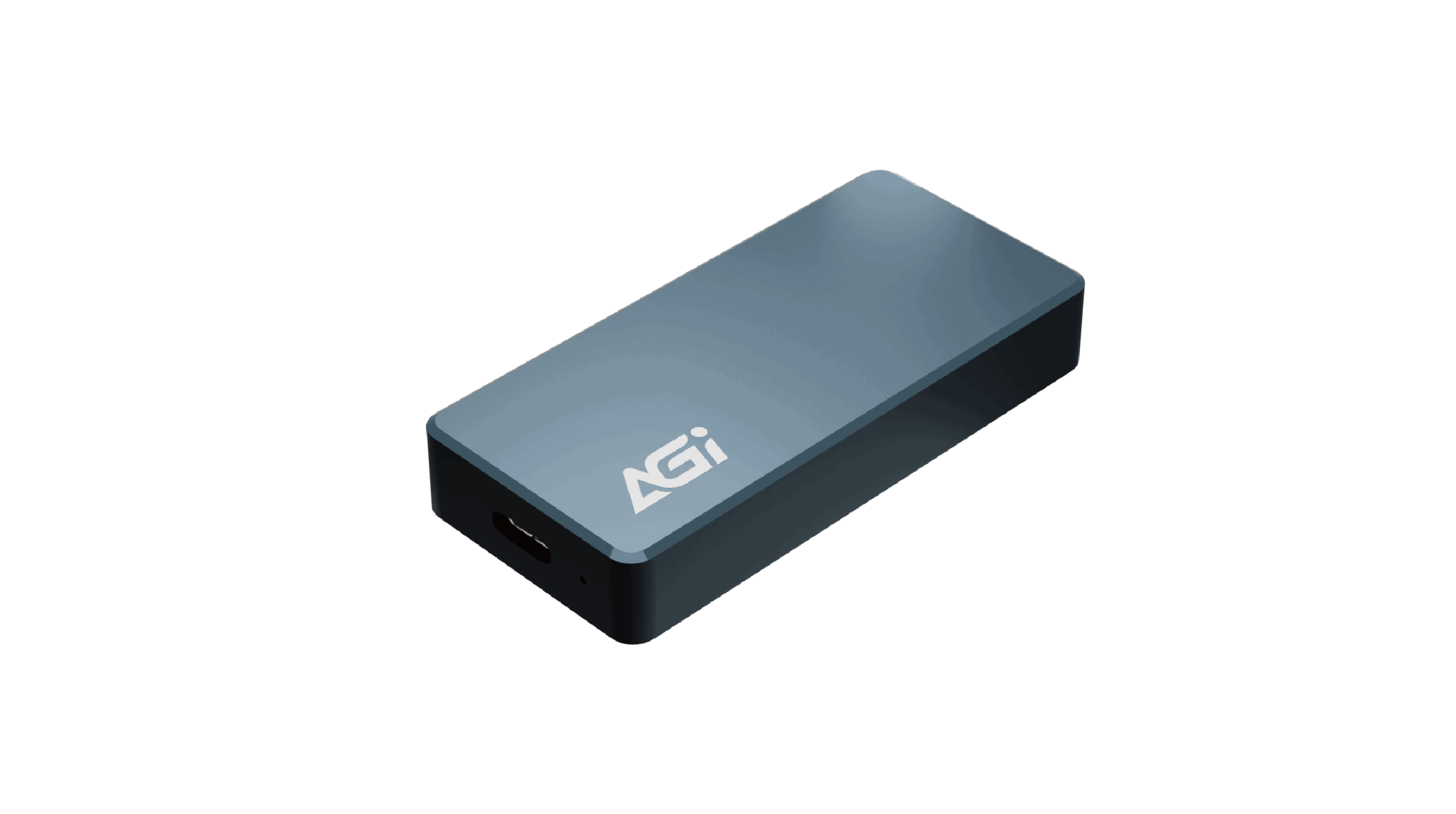
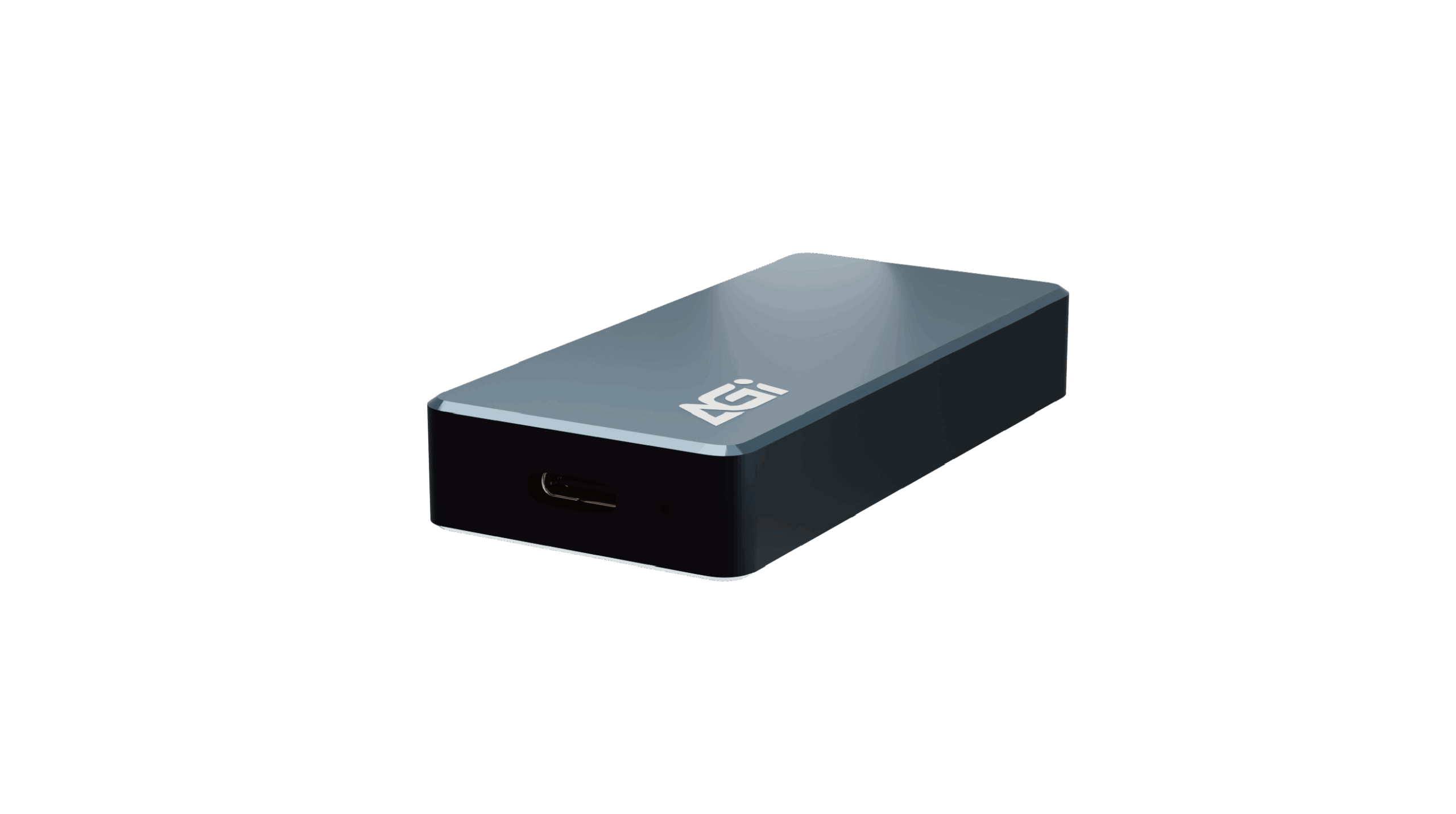
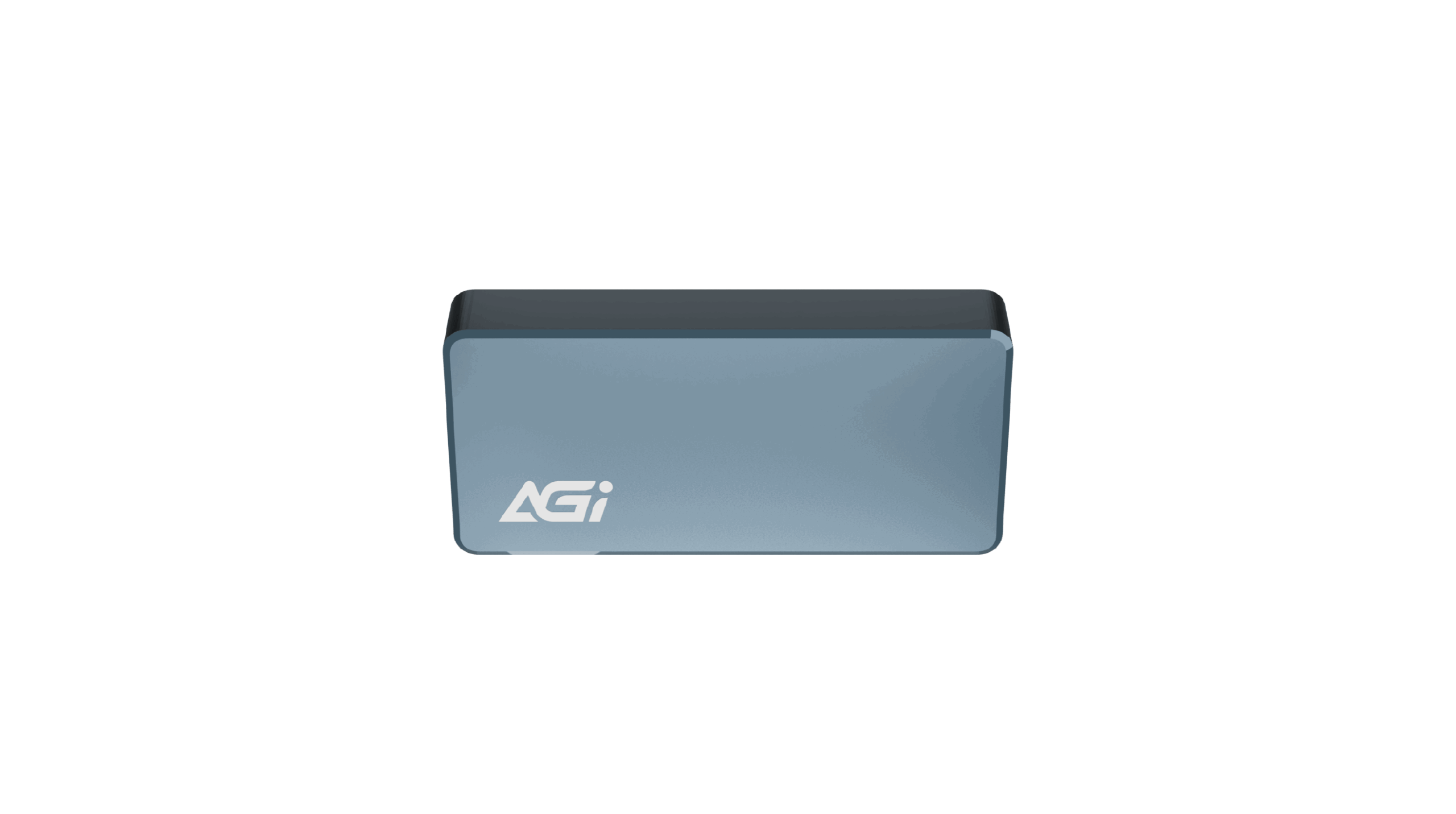
EM158 Magnetic Portable SSD
KEY FEATURES
- Up to 1050/1000 MB/s: Smooth and fast for large file transfers and video editing.
- USB 3.2 Gen2 Type-C (10Gbps): Universal compatibility with zero-lag transmission.
- Up to 1TB Capacity: Perfectly meets your creative, backup, and storage needs.
- Mini Design (Only 28g): Ultra-portable for ultimate freedom in mobile work.
- Built-in Magnetic Attachment: Securely snaps onto devices; includes Type-C cable for stable and convenient use.

Mobile Devices Support

Built-in Magnet
Compact Size

Snap On. Move Freely
- "Magnetic Snap Design — Attached to Your Device, Attuned to Your Life.
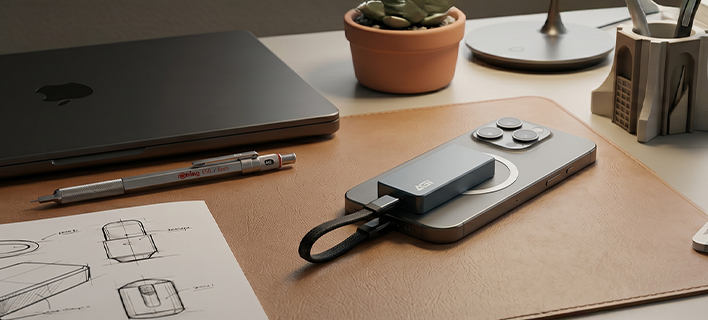
- The built-in magnetic back firmly attaches to your phone, tablet, or laptop. Whether you're backing up travel vlogs on the move or recording high-quality footage directly to your phone, the EM158 stays fixed like a lightweight sticker—no wobbling, no dropping, and no tangled cables.
Snap On. Move Freely
- Magnetic Snap Design — Attached to Your Device, Attuned to Your Life.
- The built-in magnetic back firmly attaches to your phone, tablet, or laptop. Whether you're backing up travel vlogs on the move or recording high-quality footage directly to your phone, the EM158 stays fixed like a lightweight sticker—no wobbling, no dropping, and no tangled cables.

Tailor-made for Mobile Creators and Professionals
- "The AGI EM158 Portable SSD features a high-speed USB 3.2 Gen 2 (10Gbps) interface, delivering blistering read/write speeds of up to 1050/1000 MB/s—all within an ultra-lightweight, 28g compact body.
- Its built-in magnetic design snaps securely onto smartphones, tablets, and laptops, making external storage, real-time backups, and cross-device transfers faster, sleeker, and more effortless than ever.
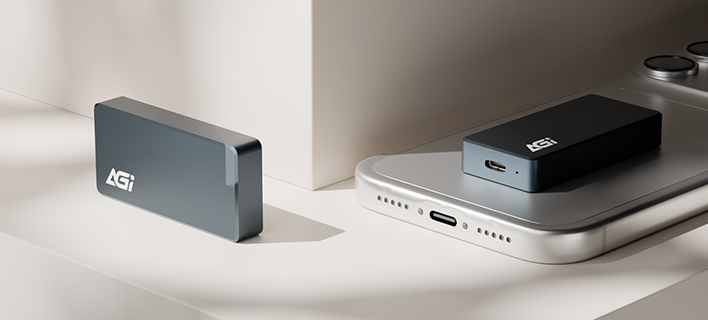
Ultralight Design. Grab & Go
- 28g Ultraligh& Fingertip Size
- Your High-Speed Database, Everywhere You Go.
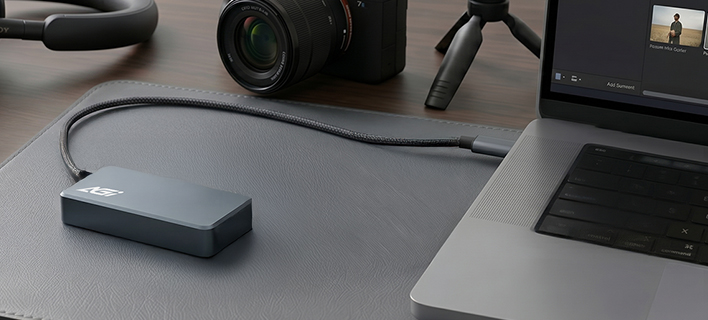
High-Speed Output. Creative Without Limits
- "1050/1000 MB/s Blazing Speeds.
- Make Efficiency Your Superpower."
Effortless Control. Exceptional Ease
- USB 3.2 Gen 2 High-Speed Interface.
- Lightening the Load of Your Largest Files.

Specifications
Capacity
1TB
Interface
USB 3.2 Gen2
Connector
Type-C
Dimensions (L x W x H)
60 x 30 x10 mm
Weight
28g
Warranty
3 years

Product FAQ
We recommend formatting the drive before its first use to avoid any potential compatibility issues and ensure it functions properly with your system.
Data transfer speeds can be limited by the port you are using. To achieve optimal performance, please ensure the device is connected directly to a high-speed port (such as USB 3.2, USB4, or Thunderbolt). Additionally, using USB hubs, extension cables, or older adapters may significantly reduce transfer speeds.
When using the drive with a PS5 for the first time, formatting is required. Please go to: “Setting” > “Storage” > “USB Extended Storage” > “Format as USB Extended Storage” > click “…” and select “Format as exFAT”
Please follow these steps:
1. Right-click the Start icon (or press Windows + X) → Select Disk Management
2. Plug in the ED238 and make sure it appears in the list
3. Right-click the ED238 drive → Select Format → Choose exFAT → Click OK
4. Done!
Peel off the adhesive included in the package and stick it to the center of your phone or case for magnetic mounting.
The main difference lies in the hardware architecture. External SSDs are built with advanced multi-channel controllers and high-performance NAND flash memory, similar to internal computer drives. In contrast, standard USB flash drives use simpler, single-channel controllers designed primarily for cost-effectiveness and portability, resulting in slower overall read and write speeds.
主要的差異在於硬體架構。外接式固態硬碟採用與電腦內接硬碟相似的進階「多通道主控晶片」與「高效能快閃記憶體」。相反地,一般的 USB 隨身碟採用較簡單的單通道控制器,主要以考量成本與便攜性為主,因此整體的讀寫速度會相對較慢。