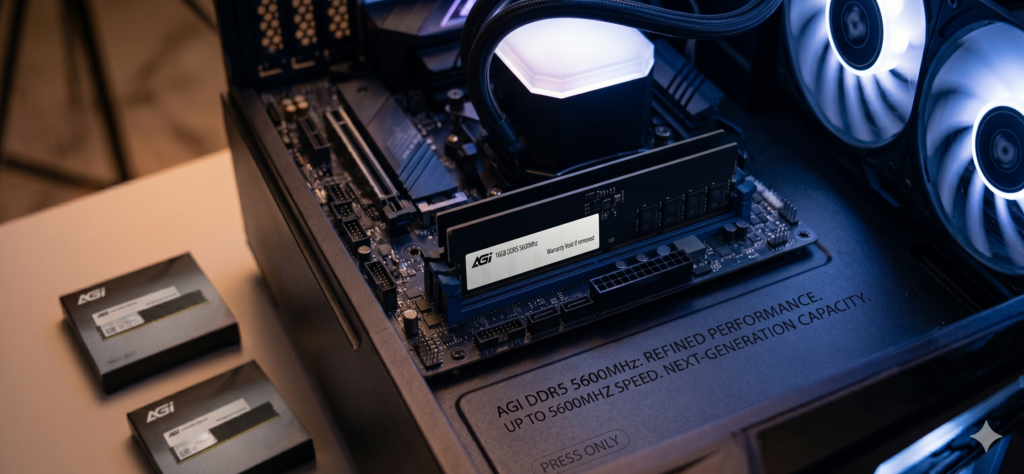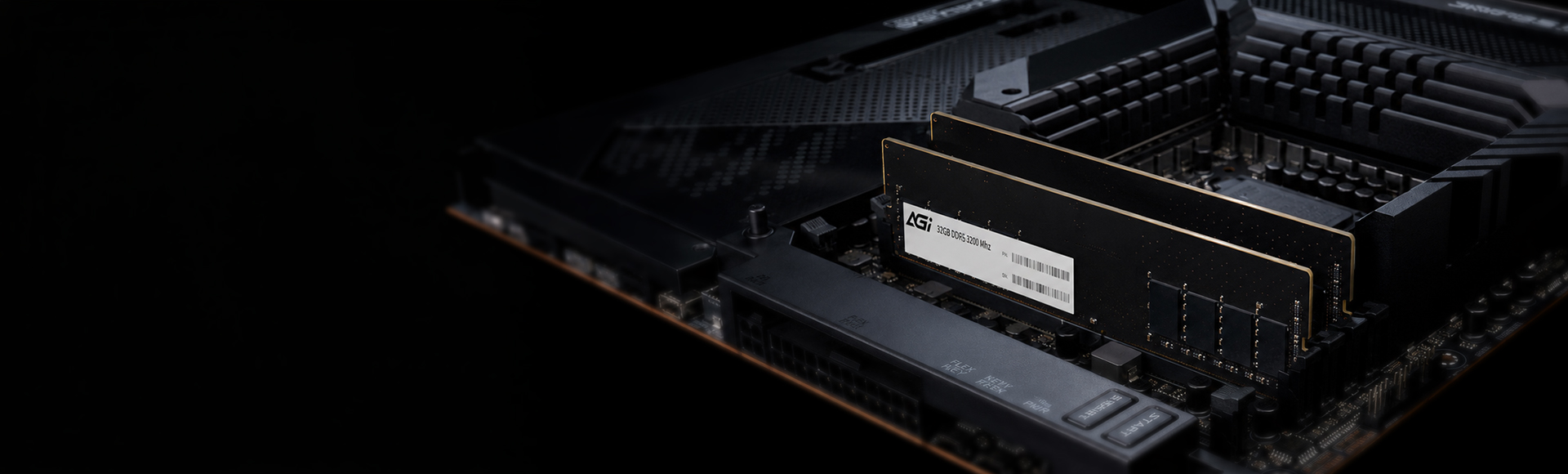
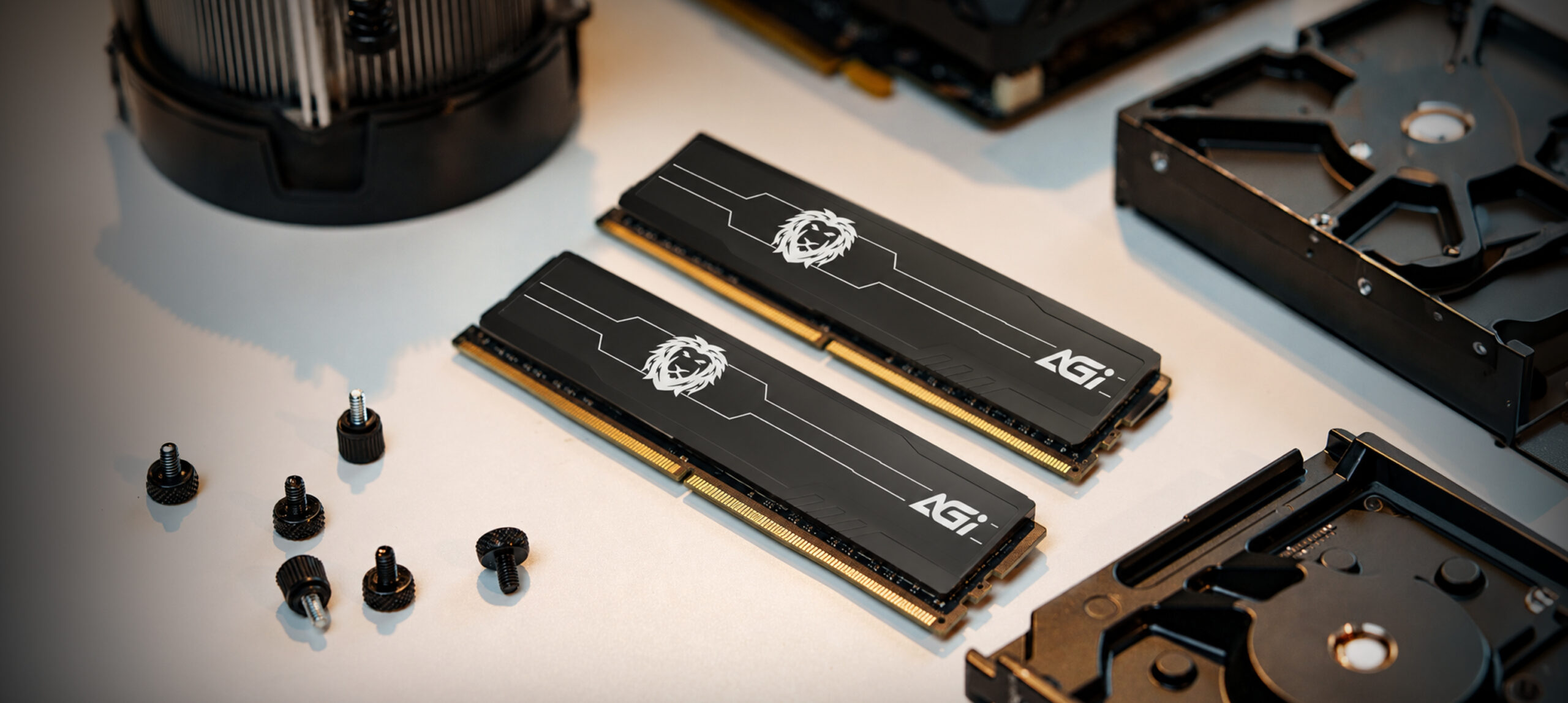
UD238 DDR5 U-DIMM Memory Module (HS)
Next-Generation Speed. Optimized Cooling.
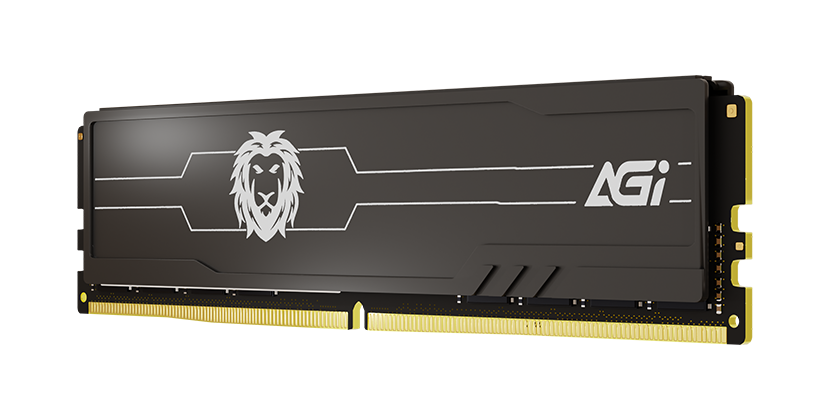
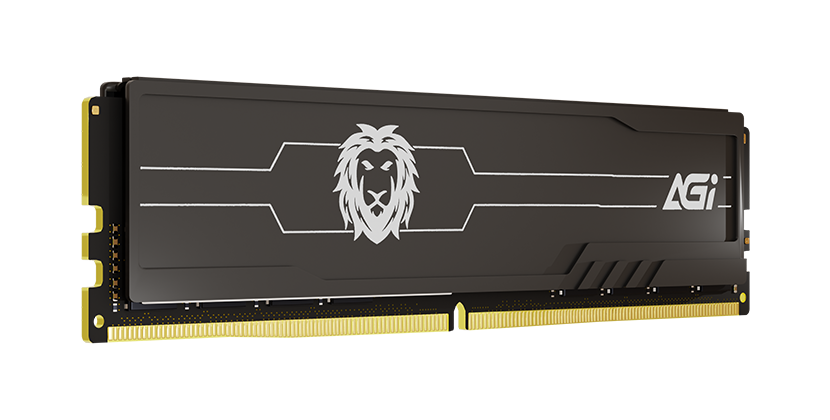
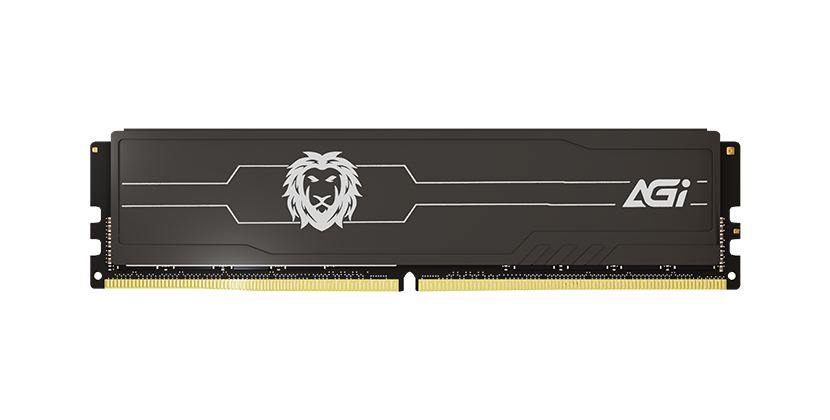
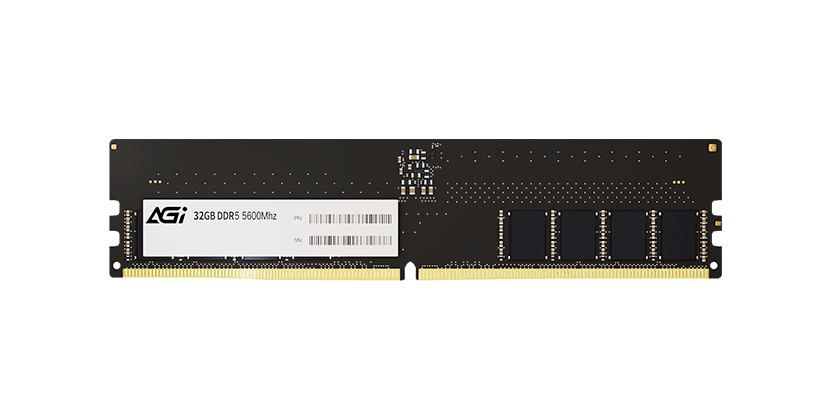
UD238 DDR5 U-DIMM Memory Module (HS)
KEY FEATURES
- Blazing speeds of up to 5600MT/s for near-instant data transfer
- JEDEC compliant, ensuring a perfect balance of quality and performance
- Selected premium original ICs to guarantee data integrity and reliability

High Compatibility

Energy Efficient

High Performance
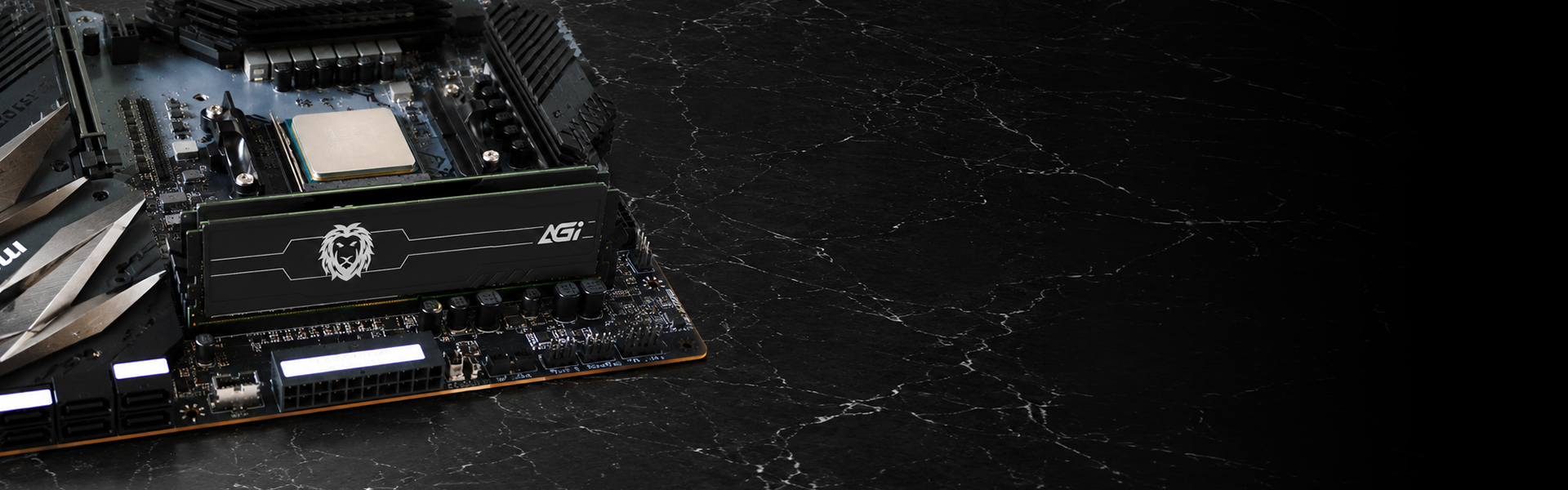
DDR5 Memory Modules
UD238 DDR5 U-DIMM(HS)
- As the most advanced technology currently available, DDR5 delivers a significant leap over the previous generation, providing the fastest and most powerful performance yet.
UD238 DDR5 U-DIMM(HS)
Where to Use
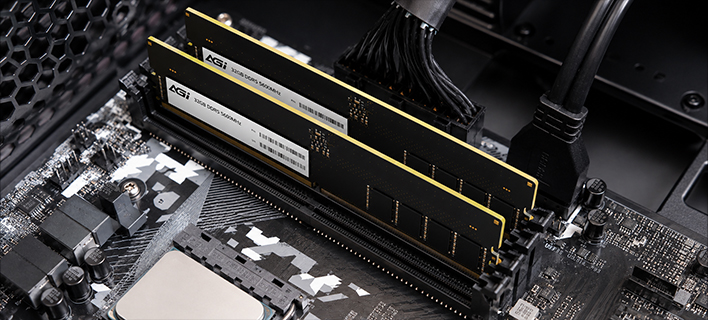
- Designed specifically for desktop computers, UDIMMs can be easily installed in mainstream systems to enhance overall work performance.
UD238 DDR5 U-DIMM(HS)
Speed Specifications
- The new generation of DDR5 offers a 75% performance boost compared to DDR4.
Specifications
Capacity
8GB/16GB/32GB (16GB x2)
Module
288-pin UDIMM
Operating voltage
1.10V
Heat sink color
Black
Operating temperature
0°C to 85°C
Dimensions (L x W x H)
133.6 x 31.25mm
Weight
46g(1pc) / 96g (2pcs)
Warranty
Limited lifetime
Product FAQ
Please try the following troubleshooting steps:
Step 1. Ensure the memory module is compatible with your system. Please refer to the motherboard’s compatibility list.
Step 2. Disconnect power, remove the memory, and check for dirt or oxidation on the gold connectors. Clean them gently with an eraser.
Step 3. Reinstall the memory and ensure it is firmly seated in accordance with your motherboard’s manual.
Step 4. Try installing only the suspected faulty module to isolate the issue.
Step 5. If possible, test the module in another system to determine whether the problem lies with the memory or the motherboard.
If the issue persists, please return the product for repair.